
“Astra thinks: I control archive pages. Elementor thought: No, I control them, and Gutenberg: I also have my own block layouts. The result: titles disappear, settings don’t apply, the date doesn’t show, some things don’t respond, others overwrite each other.”
ChatGPT on the disastrous interplay of the IT systems Astra, Elementor and Gutenberg when building our homepage
Lost in the war of IT systems
The long road to the homepage sailing-amira.de
By Renate Rüger, June 2, 2026
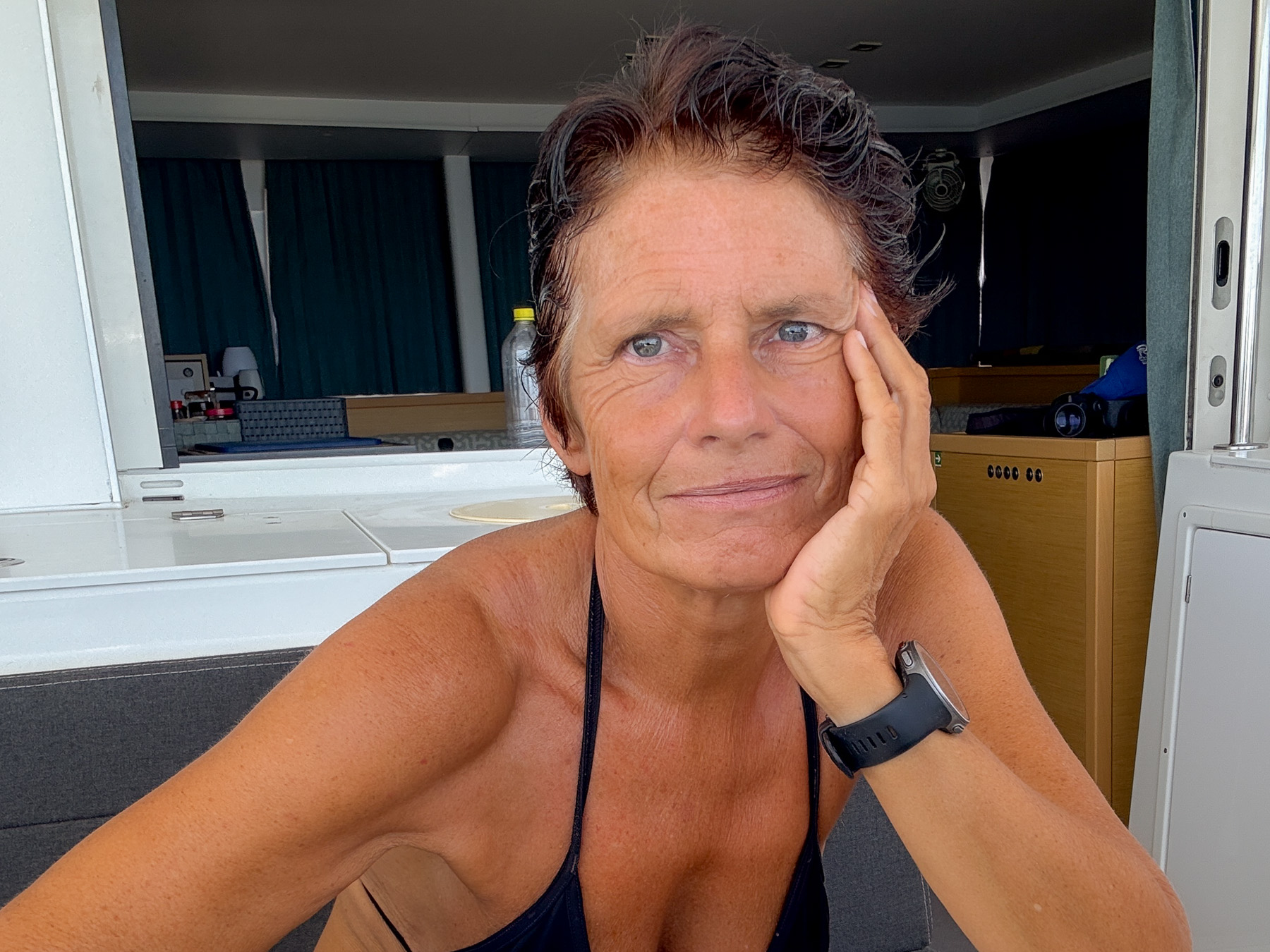
It’s hot and humid. Only four sailboats are still anchored next to us in Utila. All the others have already moved to safety, because hurricane season has begun. We want to leave as soon as possible too—just waiting for the two ordered parcels with spare parts. I’m using the time to sit down and work on my homepage.

It’s truly unbearably hot and humid. I feel like I’m going under in the thicket and squabbling of different website programs. Sweat is running down my body, I’m getting hotter and hotter. But really it’s the high humidity of over 80% that’s hitting me hardest. And the fact that on our homepage I can now not even change the size of a heading. It starts to feel like I’m roasting in a special kind of IT hell.
More than two years ago I started building a website about our sailing trip. With WordPress and the much-praised website builder Elementor. But the first two pages I built with it kept changing shape. Sometimes the image was too high, sometimes the text in the box next to it was too low; sometimes I tried to nudge another text to the left and had to enter a negative value; sometimes I did it elsewhere and in the same context needed a positive value… A lot of it seemed illogical to me, and everything was a terrible fiddle—especially since I also had to use a “theme”, a kind of design template for websites that determines font, color and the arrangement of content. Back then I chose Astra because the three-way constellation of WordPress, Elementor and Astra is considered “one of the strongest, most flexible and most reliable combinations” for building a website. But nothing worked as easily as advertised, and I quickly got fed up with the time-consuming tinkering with containers, text passages and boxes, dragging images that kept wanting to change their position, and the constant search for the right adjustment screw. Other work on the boat was more urgent. Besides, since February 2024 I’ve also had our PredictWind tracking page, where I could post updates.

“Your WordPress state has become inconsistent”
It’s hot and humid, and now I’m sitting in front of the homepage again. In the meantime I’ve built new pages—exclusively with the WordPress editor Gutenberg and Astra, because it seemed easier and the blog page is supposedly faster to load that way. But Astra simply doesn’t respond to some settings. I call in artificial intelligence (AI) for help—specifically ChatGPT, which is supposed to be better than the AI Gemini when it comes to programming cases and technical code like HTML and CSS, as Gemini itself writes. Worth a try, I think. For a while it works brilliantly. Whenever Astra doesn’t do what I want, ChatGPT gives me a CSS code to copy after a (far too long) series of attempts, and it works. I end up writing whole novels in this code that I don’t understand. But at some point, just as I’m working on my archive page, even that stops working.

“Your WordPress state has become inconsistent,” ChatGPT writes, and lists six systems that supposedly interlock. The three-part constellation is apparently the worst. WordPress runs, but “Astra thinks: I control archive pages. Elementor thought: No, I control them, and Gutenberg: I also have my own block layouts. The result: titles disappear, settings don’t apply, the date doesn’t show, some things don’t respond, others overwrite each other.” I couldn’t have described it better. “The way WHO is supposed to display WHAT” is broken, the AI explains, and advises against continuing to repair the Astra archive. Instead, I should build a new archive page with Astra. And when that doesn’t work either? After four days of back and forth, we fall back on Elementor again.
It’s hot and humid. I feel like Captain Kirk on the Starship Enterprise, questioning the onboard computer. This time it’s about the menu bar; ChatGPT leads me in circles twice with its proposed solutions and then gives up. I should ask Astra for advice, the AI explains. Astra should give me a specific filter code that I should insert into the system as a snippet via the “Code Snippets” plugin. The first code the Astra AI promptly sends me—and that I’m supposed to type out again for ChatGPT (supposedly for checking)—doesn’t work; neither do the second, third and fourth. Now there’s only one sensible measure left, ChatGPT writes: contact Astra support, i.e., a human. And ChatGPT immediately provides me with a text for the request, as if I couldn’t write a message myself. The reply comes three days earlier than announced: no, it’s not Astra but Elementor behind the menu bar.

Unbelievable! I built the header, the top menu bar, with Astra two years ago—if only because Elementor wasn’t even capable of building a header back then. Then at some point an Elementor Pro update came along. And that update has obviously simply overwritten my Astra header.

It’s hot and muggy. For days sweat has been running down my body, my hair is soaked, and my head is dripping. AI this way, AI that way: ChatGPT often had me going in circles. The AI almost drove me crazy when it had me repeat certain steps over and over again. Comments like “It’s not your fault” (nobody had claimed it was) or announcements like now “the right solution is definitely coming” (which of course didn’t) were extremely annoying. But I did make progress. And now ChatGPT is thrilled with the human reply from Astra support.
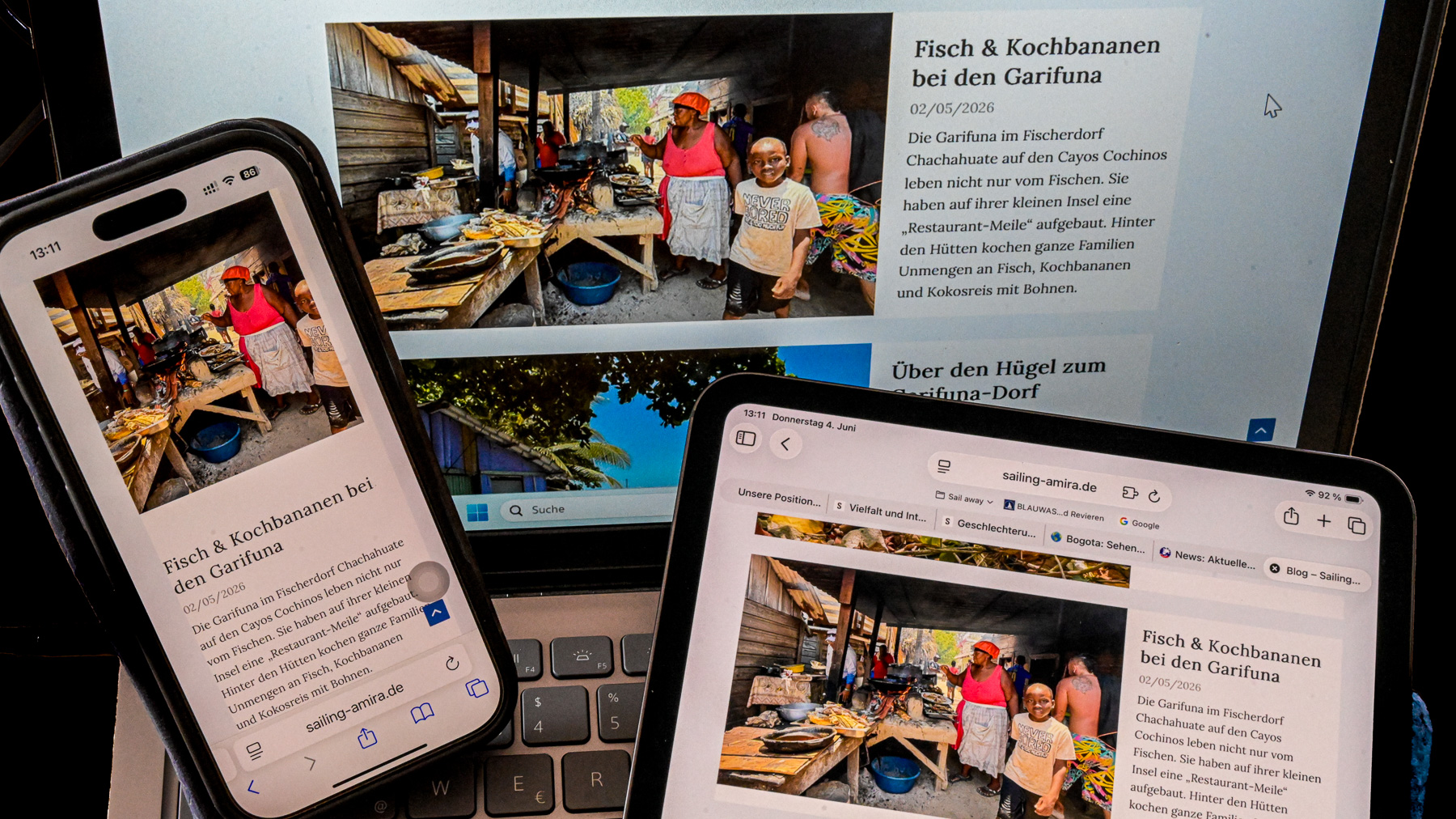
I’m in the final stretch now. The finishing touches are still missing. The desktop version is okay; I still need to fine-tune the tablet and mobile settings. What bothers me most are the images on the blog page on a smartphone: landscape images are simply turned into portrait images—meaning the sides get cropped, as you can see in the photo at the very top of this post. ChatGPT concludes that this is a specific Astra setting that can’t be changed. I don’t know. But I’m now making our homepage public so it can be accessed. Because otherwise the MailPoet plugin refuses to work. For technical and legal reasons, it wants to check my website first. Only then can readers subscribe to a newsletter on sailing-amira that will notify them as soon as a new post appears. We’re curious whether that will work. If anyone can’t read our site on a smartphone or tablet as well as they’d like, we recommend using the desktop version—i.e., opening the site on a PC or laptop.
The sailing-amira site will be continuously expanded. New posts will be published during the sailing season every one to two weeks; older posts that previously appeared on our tracking page will be added to the archive little by little. We’re grateful for suggestions at renate.rueger@sailing-amira.de. And now: enjoy reading!
Addendum, one day later: The automatic newsletter sending didn’t work. An entry in the server-side scripting language PHP prevented it. A solution is not yet in sight. An IONOS employee explained that he and his colleagues can’t change anything in PHP because it’s too dangerous—a small mistake and the whole website might stop working. I tried it myself via a plugin, but couldn’t change the crucial part in the PHP. Maybe that was a good thing, because the “white screen of death” (White Screen of Death), as the AI Gemini put it, was already looming: a crash of the entire WordPress.
Addendum II, end of June: The newsletter works now. But the blog page is still acting up on some phones and tablets. Only on desktop is everything always okay.


